After waiting for the release of the Cubieboard 4 (or 8) with an A80 CPU I gave up and purchased an Odroid XU3. It has USB3 and an Octacore CPU, but no SATA.

With the help of these information, found at the Odroid Forum, I managed to run Docker. Just a hint…use Archlinux for ARM because the kernel is “Docker enabled” available here and install with “pacman -S docker”. Enable the automatic start with “systemctl enable docker” or directly “systemctl start docker”.
Don’t forget to remove the eMMC5.0 card and alter the switch (Boot mode selection switch) when you boot Archlinux from a SDCard.
One obstacle is…you are not able to run normal Docker Images because they are build for x86. Just search with “docker search armhf” and you will find tons of ARM Images.
BTW, the Odroid XU3 in special and Ubuntu 14.04 in general works great with a Touch Monitor like the HT231. As a Browser I would recommend Chromium.
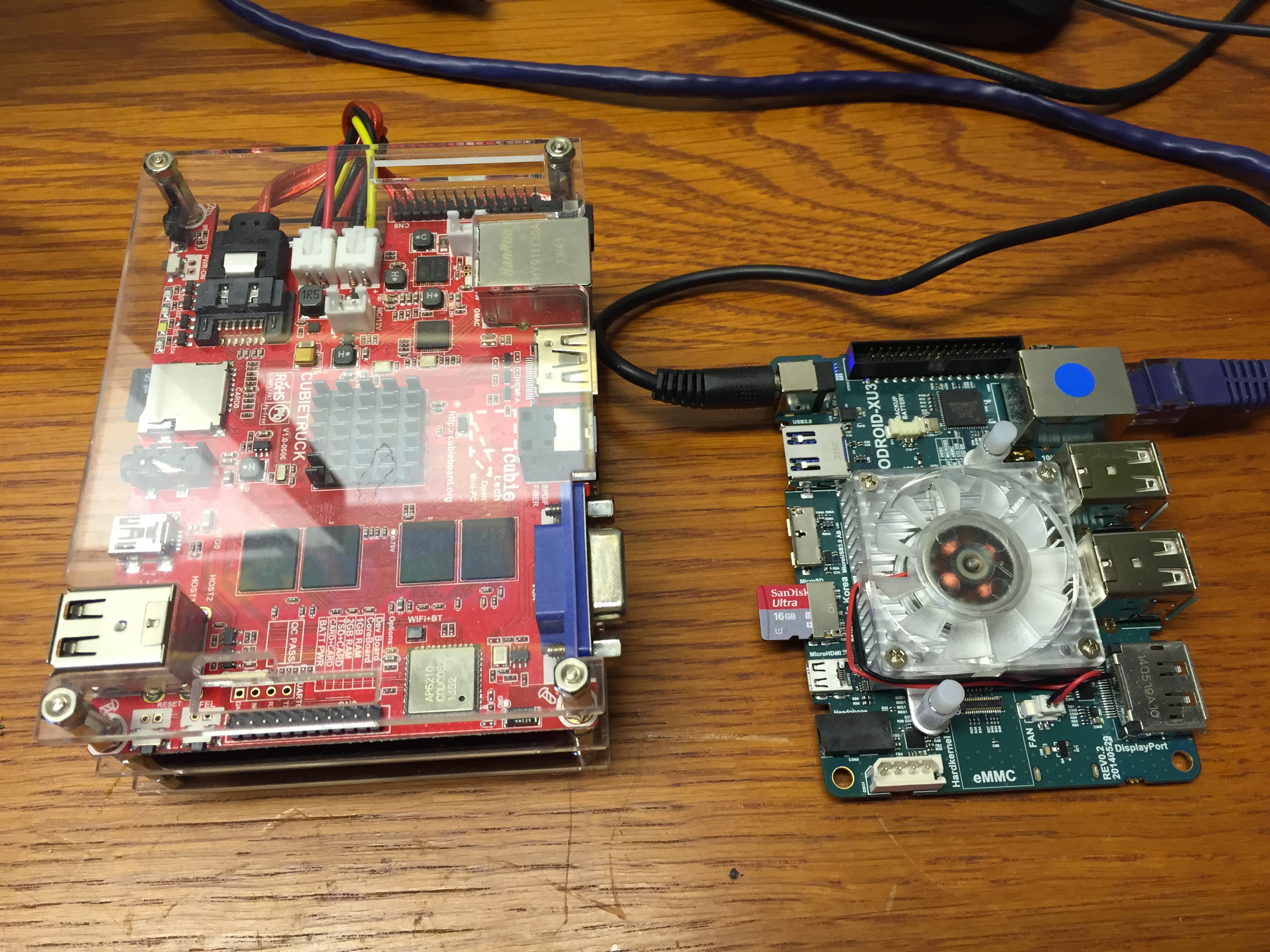
And just a first compare between Cubietruck and XU3. The XU3 board is a little bit taller than a Credit Card.
 Steve Blog