I’m working currently with Javascript and Global Config available in CLM 6.0. Let me share the first findings with you. Please keep in mind that this information is “reverse” engineering and it will change in later versions of DNG.
All examples here are Http GET and with the Header:
Accept: application/rdf+xml
OSLC-Core-Version: 2.0
Also for better readability I decoded some parts of the URL. It means when you try these examples you have to substitute the hostname (maybe also the port) and then you have to encode the URL.
Get the Details of a Global Config Project Area
This way is like opening the GC PA (i.e. https://ssejtsserver:9443/gc/web) and drill down from the Projects to the Streams.
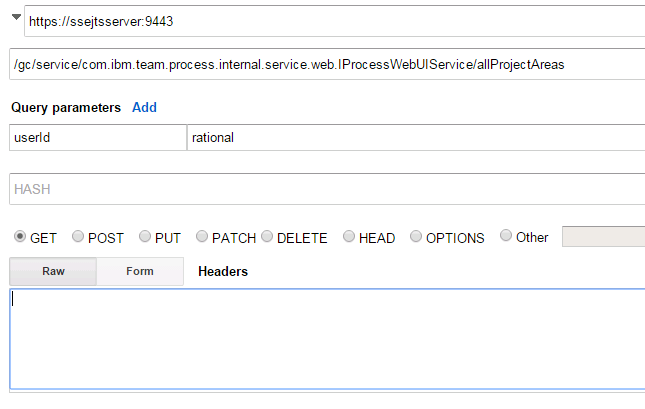
- Get the GC Project Areas as user “rational” with https://ssejtsserver:9443/gc/service/com.ibm.team.process.internal.service.web.IProcessWebUIService/allProjectAreas?userId=rational
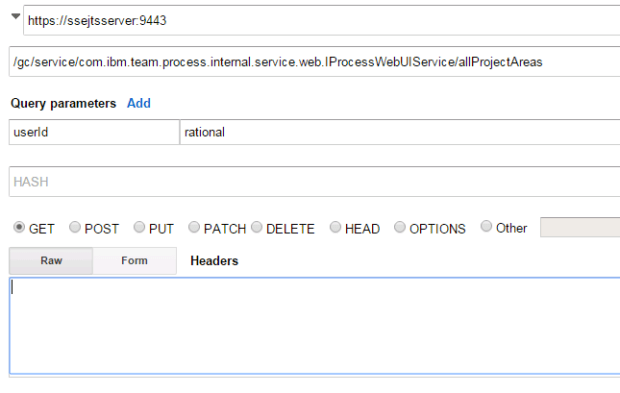 Get the Details “itemId” from the response

- Create a new GET to “https://ssejtsserver:9443/gc/gc.webui.search?scope=STREAMS&q=*&projectAreasToSearch=CURRENT” with the Header “x-gc-project-id” and one of the values above.

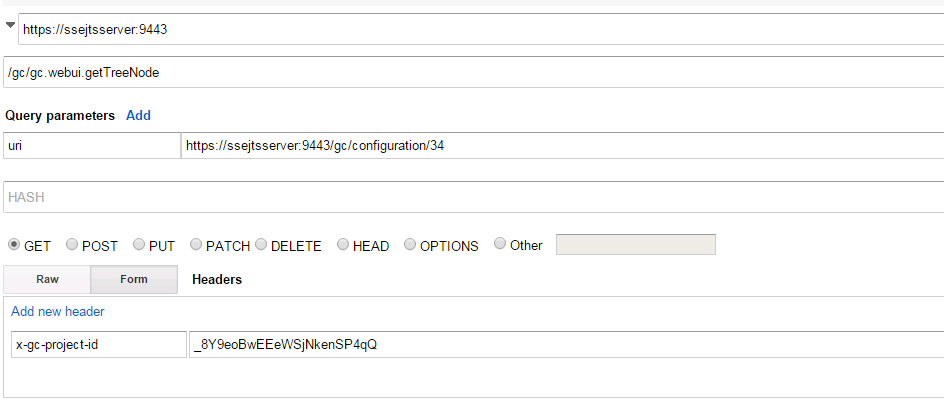
Get the details of a GC Strem https://ssejtsserver:9443/gc/gc.webui.getTreeNode?uri=https%3A%2F%2Fssejtsserver%3A9443%2Fgc%2Fconfiguration%2F34
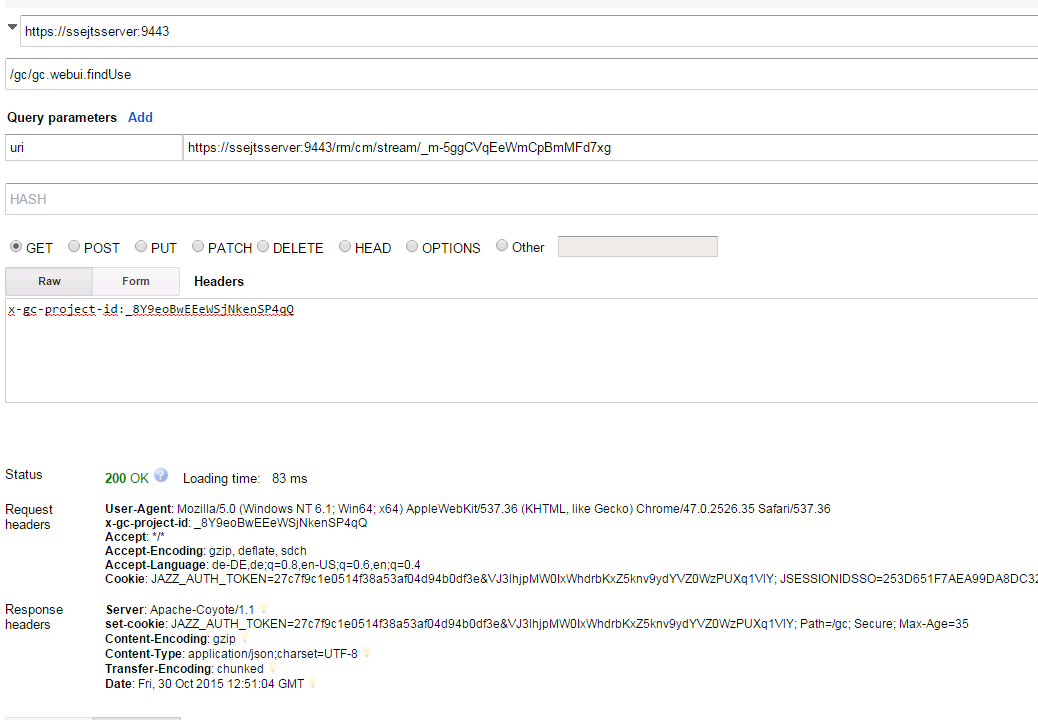
Find where a specific stream is used:
Get the GC Details of one DNG Project Area:
- Get the UUID of a Project Area like _VdIZchvTEeW5XLpLPTR7rg
- Use this UUID and make a GET https://ssejtsserver:9443/rm/queryvvc/configurationsforcomponent?component=https://ssejtsserver:9443/rm/process/project-areas/_VdIZchvTEeW5XLpLPTR7rg
- It is also possible to limit the results with configurationtype=workspace|baselines|snapshot like https://ssejtsserver:9443/rm/queryvvc/configurationsforcomponent?component=https://ssejtsserver:9443/rm/process/project-areas/_VdIZchvTEeW5XLpLPTR7rg&configurationtype=snapshot
Get the GC Details of a couple GC Streams:
Get the GC Details of a GC Changeset:
https://ssejtsserver:9443/rm/cm/changeset/_cxImwCFeEeWKUMr0_N2bhg
OSLC Query:
OSLC Queries will work as before but you have to include a new Parameter “oslc_config.context”. How to get this information? Look at an Artifact in a Stream and display the “Permalink” Information.
https://ssejtsserver:9443/rm/views?oslc.query=true&projectURL=https://ssejtsserver:9443/rm/process/project-areas/_VdIZchvTEeW5XLpLPTR7rg&oslc.prefix=rdf=<http://www.w3.org/1999/02/22-rdf-syntax-ns#>,dcterms=<http://purl.org/dc/terms/>,nav=<http://com.ibm.rdm/navigation#>,rm_property=<https://ssejtsserver:9443/rm/types/>&oslc.select=*&oslc.where=rdf:type=<http://open-services.net/ns/rm#Requirement>&oslc_config.context=https://ssejtsserver:9443/rm/cm/stream/_UTWEoDdjEeWmCpBmMFd7xg
Get all GC Streams:
https://ssejtsserver:9443/gc/view-history?user=rational&project=com.ibm.team.configuration.web.noprojectareascope&type=com.ibm.team.configuration.web.globaltype&size=25
Get Baselines of a Stream:
https://ssejtsserver:9443/gc/gc.webui.getConfiguration?uri=https://ssejtsserver:9443/gc/configuration/24&includeBaselines=true
Stream Details:
https://ssejtsserver:9443/gc/configuration/15
DNG Artifacts and GC:
Artifact “Base” URL and ID (dc:identifier) stay the same no matter if used in a Stream or not.
Get the GC DNG Details with GC URI at oslc_config.context:
More will come…
 Steve Blog